Images
Aspect-ratio and object-fit utilities for image and other media content.
- Source file
- src/css/images.css
- View on GitHub
- https://github.com/pmbrown/ming-css/blob/main/src/css/images.css
Included with:
- ming.css
- ming.min.css
- ming.mono.css
- ming.mono.min.css
Single elements (anchor)
The single element utilities are applied to individual images or media.
Fixed ratios (anchor)
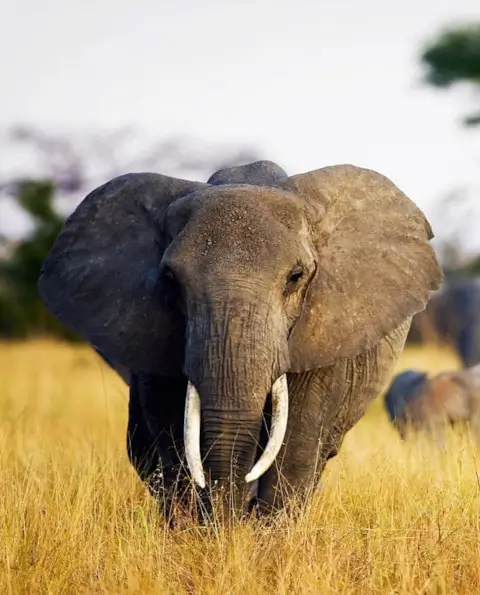
The following 5 image examples include the same photo of a large elephant with big tusks and ears flared coming towards the photographer.
.ratio-3x4
Default
.ratio-1x1
.ratio-16x9
.ratio-5x2
.ratio-3x1
Example HTML
<img class="object-cover ratio-3x4" src="/img/elephant-480.webp" alt="" width="480">
<img src="/img/elephant-480.webp" alt="" width="480">
<img class="object-cover ratio-1x1" src="/img/elephant-480.webp" alt="" width="480">
<img class="object-cover ratio-16x9" src="/img/elephant-480.webp" alt="" width="480">
<img class="object-cover ratio-5x2" src="/img/elephant-480.webp" alt="" width="480">
<img class="object-cover ratio-3x1" src="/img/elephant-480.webp" alt="" width="480">
Variable ratios (anchor)
The '.ratio' utility is for customizing the aspect-ratio using CSS variables inline.
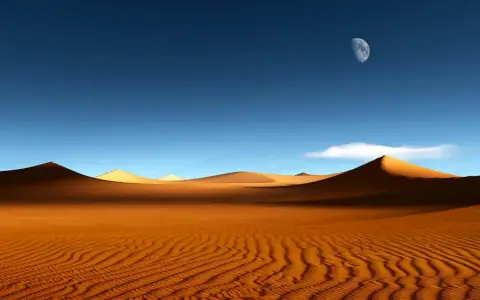
The following 3 image examples include the same photo of desert sand dunes with blue sky background and day moon top right of picture.
Example HTML
<img class="object-cover ratio" style="--ratio: 15 / 7;" src="/img/desert-480.webp" alt="" width="480" >
<img class="object-cover ratio" style="--ratio: 15 / 6;" src="/img/desert-480.webp" alt="" width="480">
<img class="object-cover ratio" style="--ratio: 15 / 5;" src="/img/desert-480.webp" alt="" width="480">
Child elements (anchor)
The child element utilities are applied to a container element.
Fixed ratios (anchor)

Example HTML
<div class="child-object-cover child-ratio-1x1 grid-columns g-4 gap-2 mb-3">
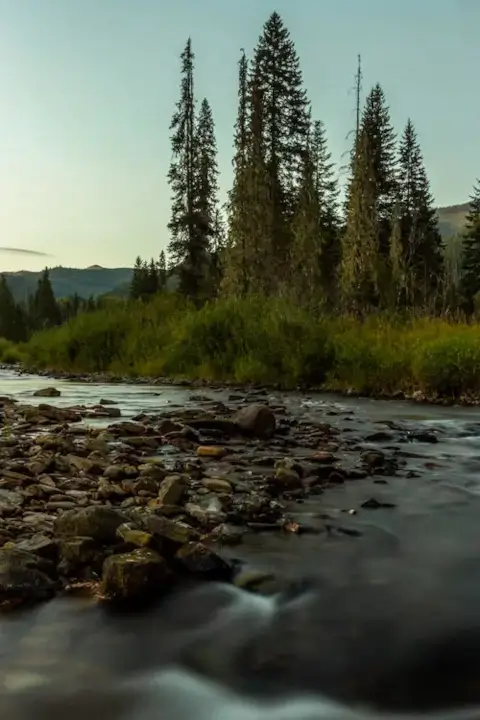
<img src="/img/rocky-stream-480.webp" alt="A rocky stream next to a small copse of pinetrees on a grassy bank" width="300">
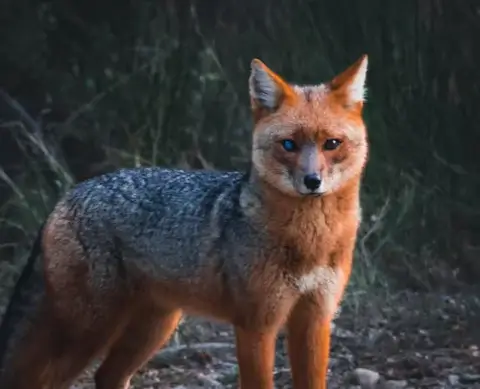
<img src="/img/red-fox-480.webp" alt="A red fox with one eye blue and the other brown looking directly at camera" width="300">
<img src="/img/hazy-mountains-480.webp" alt="View of distant mountains and valleys scenery bathed in hazy sunlight" width="300">
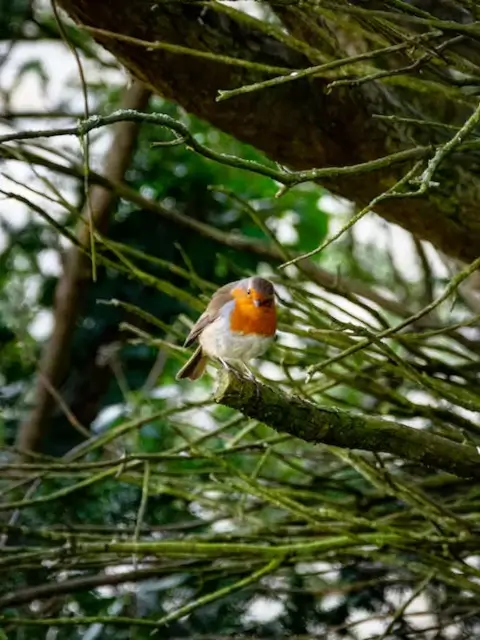
<img src="/img/bird-on-branch-480.webp" alt="A small white and brown bird with orange chest colors sitting on a tree branch" width="300">
</div>
Variable ratios (anchor)
Example HTML
<div class="child-ratio child-object-cover grid-columns g-4 g-2-xs gap-2 mb-3" style="--ratio: 15 / 7">
<img src="/img/elephant-480.webp" alt="Head on shot of elephant with big tusks and ears flared staring down camera" width="300">
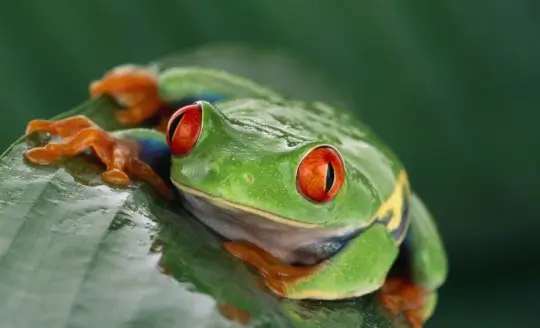
<img src="/img/frog-540.webp" alt="Close up of green frog sitting on leaf of tree." width="300">
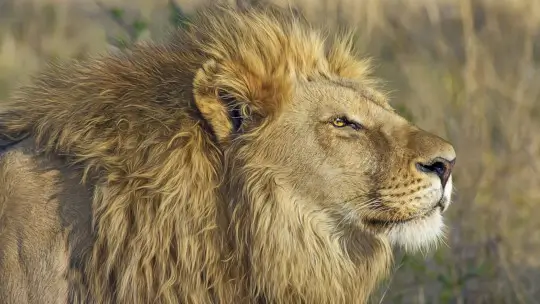
<img src="/img/lion-540.webp" alt="Male lion with healthy main staring into distance." width="300">
<img src="/img/red-fox-480.webp" alt="A red fox with one eye blue and the other brown looking directly at camera" width="300">
</div>
Figure & caption (anchor)

Example HTML
<figure class="child-ratio-16x9 child-object-cover">
<img src="/img/winter-forest-480.webp" alt="" width="480">
<figcaption>Snow covered forest clearing with sunlight filtering through tall trees.</figcaption>
</figure>

<figure class="child-ratio child-object-cover" style="--ratio: 15 / 6">
<img src="/img/winter-forest-480.webp" alt="Snowy forest clearing with sunlight filtering through tall trees" width="480">
<figcaption>Snow covered forest clearing with sunlight filtering through tall trees.</figcaption>
</figure>